Umrah Photo Rejected? Here Is Exactly Why — and the 60-Second Fix
A refused photo is the most common thing that stalls an Umrah application, and the cruellest part is that Nusuk rarely tells you *which* rule you broke. You are left re-uploading the same picture, hoping. You do not have to. Almost every rejection comes down to five technical causes, and all five are fixable in under a minute from the photo already on your phone.
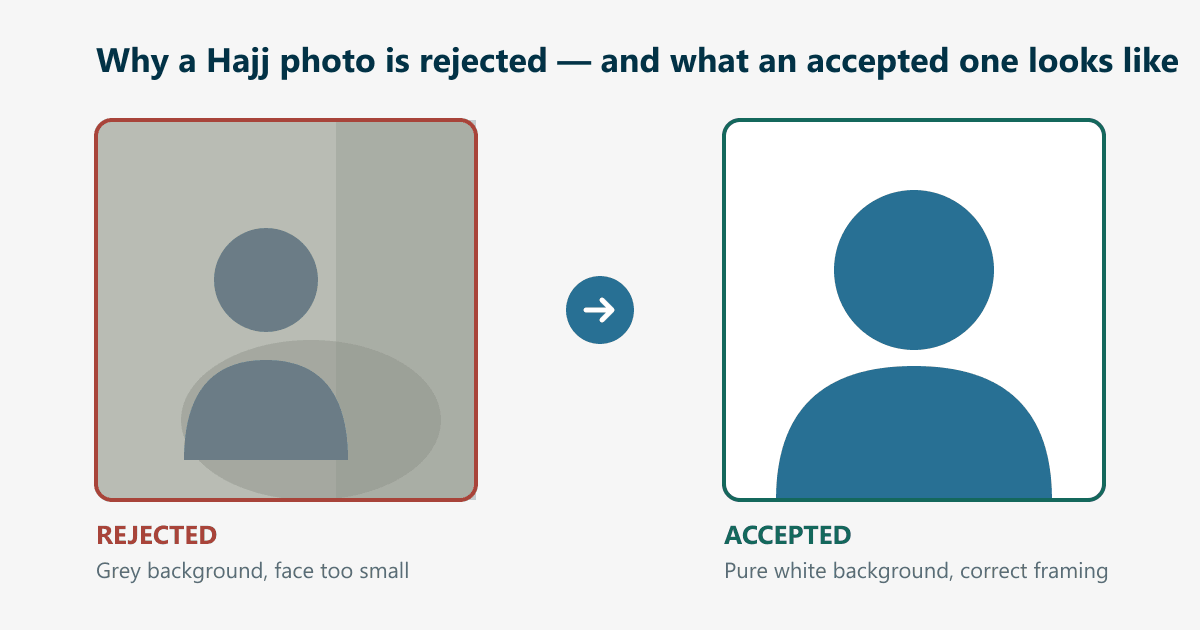
The 5 Reasons Umrah Photos Get Rejected
Wrong dimensions
The photo is not 200 × 200 pixels. Phone cameras produce rectangles (3024 × 4032, for instance), so an unedited upload fails this check every time.
File too large
The personal photo may be no larger than 18 KB. A typical phone photo is 2–8 MB — hundreds of times over the ceiling.
Background not white
Off-white walls, cream curtains, shadows behind your head, or any visible object will fail. The check wants a clean white field behind you.
Face too small in the frame
Your head must fill roughly 70–80% of the image height. Photos taken at arm’s length show too much chest and too much room.
Attire does not match your passport
Nusuk asks that the personal photo be consistent with your passport image, in formal dress. A casual photo can fail even when the numbers are right.
How to Fix a Rejected Umrah Photo
- 1
Upload any clear portrait
Use the tool on this page or on the homepage. A phone photo in good light is plenty — JPG, PNG and iPhone HEIC are all accepted as input.
- 2
We prepare it to the specification
You get back a 200 × 200 file on a clean white background, inside the 18 KB ceiling, with your face framed the way the check expects.
- 3
Download and re-upload to Nusuk
Save the finished file and attach it in your application. It now satisfies the dimension, size, format and background checks together.
- 4
If it is still refused, tell us
Use the Report Rejection form with a screenshot of the error. We fix it by hand for free until it is accepted, or refund you in full.
Upload any photo — get a compliant 200×200 Umrah photo in under a minute, guaranteed accepted or your money back.
Fix My Photo NowFrequently Asked Questions
Nusuk keeps rejecting my photo. What is the fastest fix?
Upload the same photo here. In under a minute it comes back reframed, on a white background, at 200 × 200 pixels and inside the 18 KB limit — the four checks behind almost every rejection.
Can I use a photo taken with my phone for Umrah?
Yes. The rejection is almost never about your camera — it is about formatting. A phone portrait in good, even light is excellent source material once it is correctly framed, sized and compressed.
My photo is exactly 200x200 but still rejected. Why?
Check the file size — it must be 18 KB or under, which is the rule people miss most often. Then check the background is genuinely white rather than grey, and that your head fills 70–80% of the frame. Any one of those alone will fail the upload.
Does the same photo work for Umrah and Hajj applications?
Yes. Nusuk applies the same personal-photo specification to both: 200 × 200 pixels, up to 18 KB, white background, face at 70–80%.